
Recruitment
20 Best Interview Scheduling Tools for Recruiters [Free and Paid]
Discover top interview scheduling tools to enhance recruiters’ efficiency.

Head of Marketing · Matchr
![20 Best Interview Scheduling Tools for Recruiters [Free and Paid]](https://cdn.sanity.io/images/0ve0r4az/production/1fd9ae142ea58387011babd9c0c34859ba9fe822-1920x1080.png?w=1600&fit=max&auto=format)
Scheduling interviews can become a nightmare for recruiters with a high volume of candidates. Countless back-and-forth emails and messages to find a time slot suitable for both of you cost lots of time and headaches. It’s even worth it if you are preparing for a panel interview and trying to coordinate multiple schedules.
The good news: there are innovative tools that automate interview scheduling and bring planning the experience to a new level. Recruiters who use such tools are more efficient.
After researching various scheduling tools, we put together this guide to help you find the best solution for your needs.
What Are Interview Scheduling Tools?
According to the research, the biggest challenges with scheduling interviews are interviewer availability (78%), back and forth emails (64%), and rescheduling (50%). If you are used to planning interviews using Google Calendar or other calendar services, you may wonder how special scheduling tools can simplify your work.
Let’s see what they can offer.
- Automation. Interview scheduling software automates the candidate interview scheduling process. The tool accesses real-time hiring managers’ calendars to find available slots and offers them to the candidate. They can choose from available options, reschedule or cancel appointments straightforwardly via a link, without back-and-forth messaging. Most tools adjust to time zones, so you don’t need to consider the time difference.
- Arrange panel interviews. Interview scheduling tools will save time and nerves when arranging panel interviews, and you need to invite three to five busy colleagues. The tool will scan their calendars and offer slots available for all of you.
- Reminders. Most tools, at least their paid options, allow you to send notifications and reminders before interviews to reduce no-shows.
- Availability. You can set flexible availability preferences to tell the system when you are available for booking. For example, you can limit the number of interviews per day, breaks between interviews, lunch breaks, interview-free days, etc.
- Integrations. Most tools are easy to integrate with other software you use in your recruiting process: calendars, video conferencing services, email, etc.
- Additional options. Advanced scheduling tools provide an overview of a recruiter’s performance.
We can split all the interview scheduling tools into 3 groups:
- Standalone scheduling tools tailored for recruiters.
- Universal scheduling tools suitable for recruiters.
- Recruitment automation platforms with interview scheduling options.
Let’s dive into each group and see what tools are inside.
Scheduling Tools Tailored for Recruiters (Paid Only)
VidCruiter
Platform: Web.
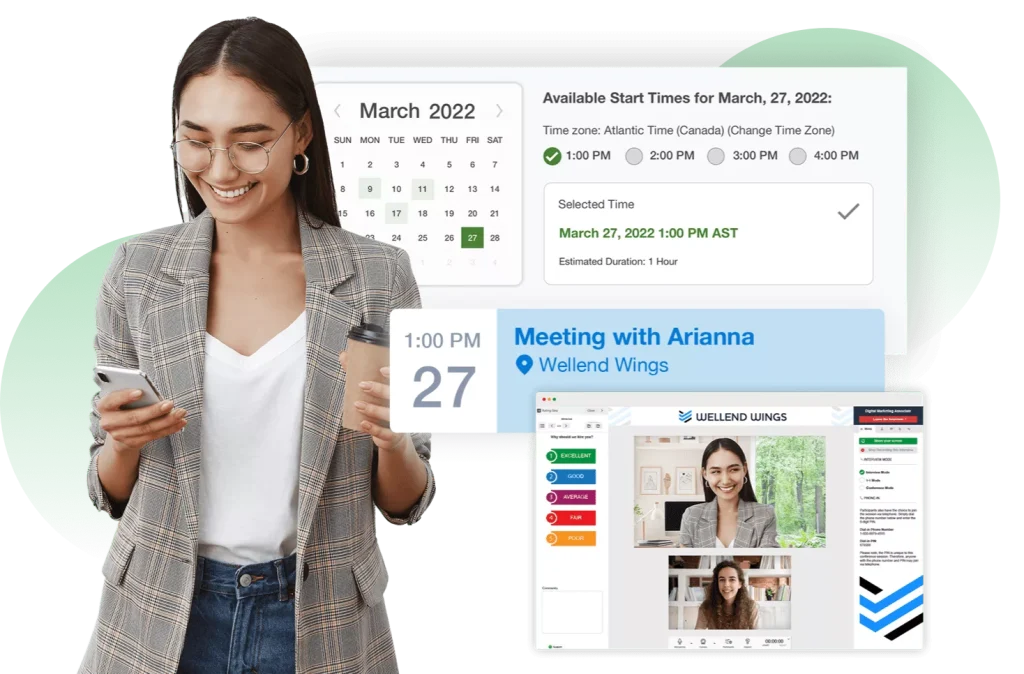
VidCruiter’s Automated Interview Scheduling software is designed to streamline recruitment by automating interview scheduling and communication. It offers candidates and recruiters an effective and efficient platform for organizing interviews, reducing administrative load, and speeding up the hiring process.
Key Features:
- Real-Time Availability Sharing: The tool integrates can also have multiple calendars to indicate specific availability (i.e. video, in-person, etc.), ensuring there’s no double booking and that interviewers’ availability is accurately reflected.
- Flexible Interview Options: VidCruiter empowers candidates by allowing them to choose how they wish to interview, whether in-person, over the phone, or virtually.
- Automated Reminders: The system sends automatic SMS/email notifications and reminders to candidates and interviewers.
- Self-Scheduling: Candidates can schedule their interviews with a single click, choosing the time and the format of their interview that best suits them.
- Rescheduling Capability: The tool allows candidates to reschedule their interviews easily, with configurable options around the number of times a meeting can be rescheduled and how soon before the meeting begins.
- Automated workflows: Recruiters can create automated workflows, complete with interview guides, profiles, and candidate instructions to auto-schedule all interviews and deliver appropriate content when launching a position.
- Streamlined Communication: The tool automates pre-interview and follow-up communications via SMS and email and delivers interviewers and candidates the appropriate content prior to each interview.
- Scheduling for Various Interview Formats: The tool supports scheduling for different interview formats, such as one-on-one, panel, group, round-robin, virtual hiring events, and hybrid interviewing.
Pricing
The price starts at $5,000 per year. It includes not only an Interview Scheduling Tool but other solutions. The final pricing is available on demand.
Rooster
Platforms: Web.
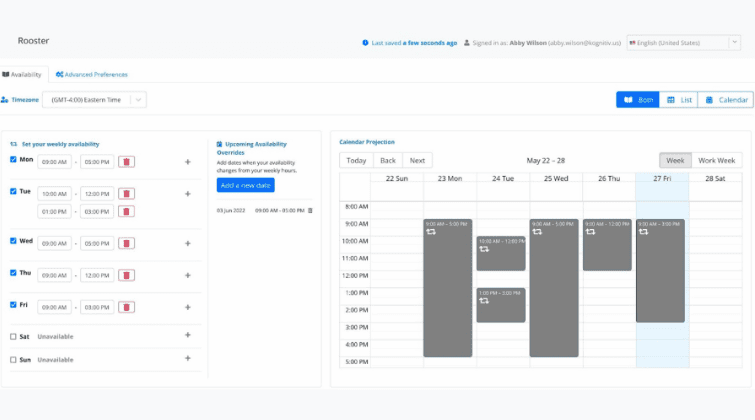
Rooster is easy to use and straightforward from both a recruiting and a candidate interface. It lets you schedule not only interviews in a time-efficient and convenient way but also analyze recruiters’ performance.
Key Features
- Intelligent bots that automate the scheduling process with preset scenarios.
- Fully customizable templates in multiple languages for global recruiting.
- Candidate self-scheduling and easy rescheduling options.
- Actionable insights on recruiters’ performance.
Available Integrations
- Google Meet
- Zoom
- Microsoft Teams
- Webex
- Google Calendar
- Google Suite
- Outlook
- Office 365
- Workday
- and others.
Pricing
Plans start from $15 per month and jump to an impressive $699/mo for the Business and $2,299/mo for the Enterprise plan; you can get a discount for an annual subscription. If you have even bigger plans and want to subscribe to Rooster’s API, prices start from $129 per month.
Rakuna
Platforms: Web.
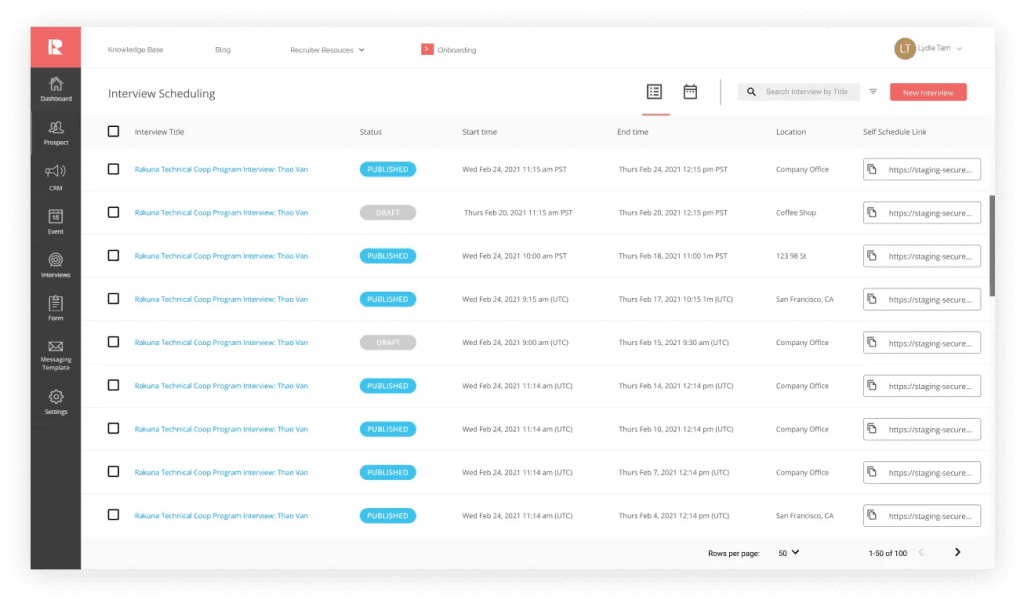
Rakuna offers a complete recruiting software package, and their scheduler is available as a separate tool. It fits every interview format and has everything you may need for a seamless scheduling experience.
Key Features
- All meeting types: one-on-one, panel, video, in-person.
- Candidates can reschedule interviews with a few clicks.
- Notifications and reminders.
- Collect interview feedback.
- Measure interview success with metrics reporting tools.
Available Integrations
- Google Calendar
- Outlook
- iCloud Calendar
- Workday
- Greenhouse
- Google Meet
- Microsoft Teams
- other Rakuna tools
- and more.
Pricing
Prices are flexible and available only upon request. A 7-day free trial is available.
Scheduling Tools Tailored for Recruiters (with Free Plans)
These tools help recruiters schedule interviews with multiple candidates at scale and manage the process efficiently. Such tools include scheduling panel interviews, panel diversity checking, interview analytics, etc.
Goodtime
Platforms: Web.

Goodtime has a specialized interview scheduling platform, Hire. It is highly tailored to recruiters’ needs and offers great automation features.
Key Features
- Automated scheduling with invites and reminders.
- Intelligent interviewer matching: you can select colleagues for panel interviews based on their skills and roles.
- Automated interviewer load balancing to spread the workload evenly through the week.
- Get the candidate’s feedback after the interview.
- Know how your recruiter team is performing.
- Panel diversity check: make sure your interviewer panel includes diverse colleagues.
Available Integrations
- Zoom
- Google Calendar
- Google Meet
- Microsoft Teams
- Outlook
- Greenhouse
- Smart Recruiters
- and many more.
If you need a simplified tool to manage your scheduling, you can use GoodTime’s free solution, Meet. It gives you the basic scheduling features; with its help, you can schedule one-on-one and group meetings, adjust availability settings, integrate with the calendar, etc.
Pricing: The pricing for the Hire platform depends on the company size and flexibility you need; it’s available upon request. The Meet platform is free.
Bettermeeting is designed to allow recruiters to schedule interviews for others. The tool allows collecting availability for all participants via a number of channels (Calendar integration, Calendly links, or manual input). It makes it easy to create and manage availability cards for both, the hiring team and candidates. The tool is simple to set up and use but offers powerful functionality.
Key Features:
- Easy availability collection and tracking
- Candidate and interviewer self-scheduling and rescheduling
- Interview management for recruiters
- All meeting types: one-on-one, panel, video, in-person
- Provisioned Zoom conferencing included in a subscription
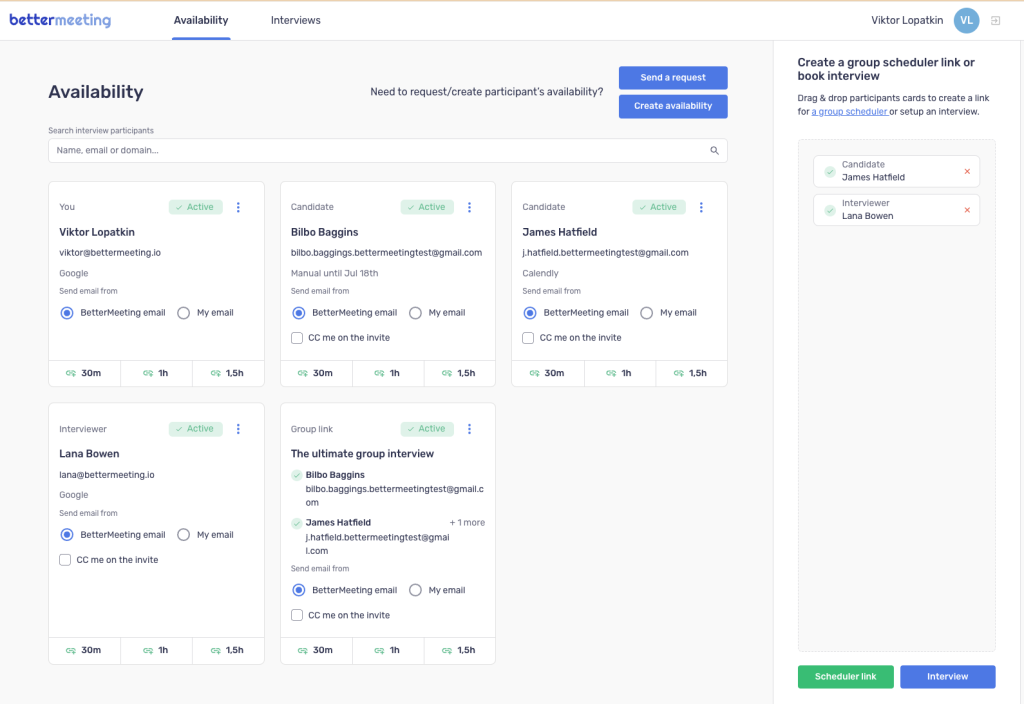
Integrations:
- Google Calendar, Gmail
- Zoom
- Google Meet
- Calendly
Pricing:
The free basic tier includes five availability cards in one recruiter profile. The pro version ($20/month) allows for unlimited availability cards to be created. A free 14-day trial is available for the Pro tier.
FreeBusy
Platforms: Web.
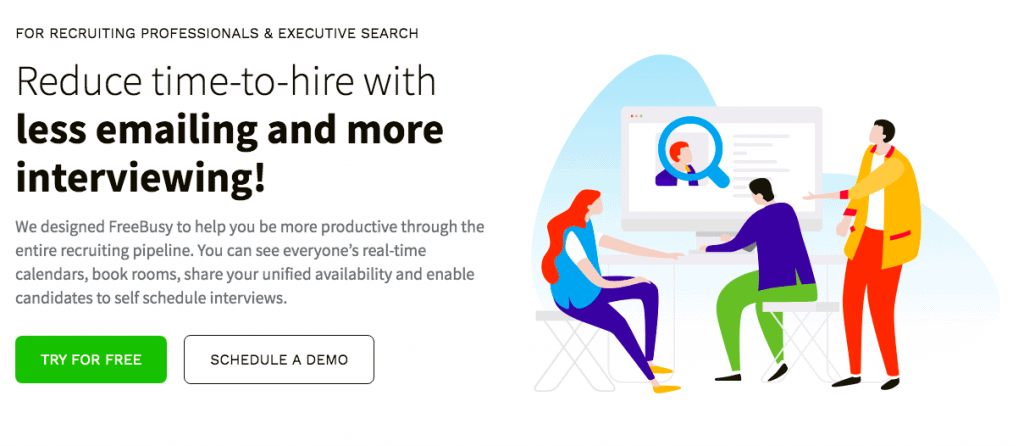
The FreeBusy interview scheduling tool has a user-friendly interface and is easy to get started. You can connect all of your calendars, professional and personal (including Apple iCloud Calendar and Facebook events), so you can be sure there will be no time overlaps.
Key Features
- Arrange one-on-one and group meetings.
- Share your availability with candidates and let them pick the time for an interview.
- Book meeting rooms for on-site interviews.
- Set customizable availability preferences.
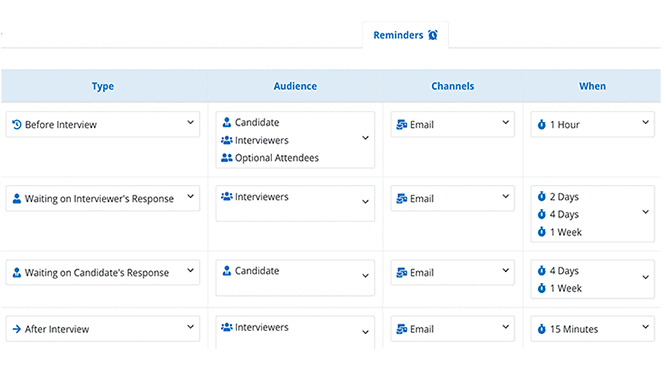
- Send alerts and notifications.
Available Integrations
- Office 365 and Outlook
- Google Calendar and G Suite
- Amazon WorkMail
- Facebook Events
- Apple iCloud
- Zoom
- Google Meet
- Microsoft Teams
- and others.
Pricing
You can use the free Personal plan for simple tasks like appointment booking, meeting polls, and calendar integration.
If you want to add web conferencing, Outlook and Google add-ons, and availability preferences, you may choose the Professional plan ($6 monthly or $5/mo with annual billing).
However, to make the most from FreeBusy, look at the Business ($12 monthly or $10/mo with annual billing) and Enterprise (custom pricing) plans. They have all the outstanding features you may need. A 14-day free trial is available for all paid plans.
Versatile Scheduling Tools Suitable for Recruiters (with Free Plans)
These are scheduling tools that every department can use, from sales and marketing to technical support and product management. Recruiters actively use them as well. However, these tools lack specific features that could be helpful for recruiters.
Calendly
Platforms: Web, including add-ons for Chrome and Firefox; iOS, Android.
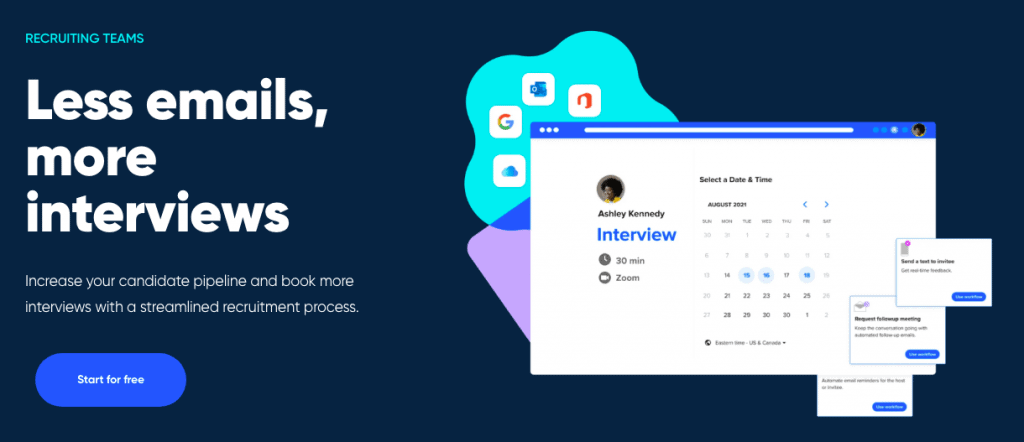
Calendly is one of the leading tools for professional scheduling. It’s easy to set up and use and makes the recruitment process more straightforward. Calendly provides a clean interface, and you can start literally in a few minutes.
Key Features
- Schedule team meetings or panel interviews with Team Scheduling.
- Set availability preferences to customize when you are available for booking.
- Create Meeting Polls to find the best time for a meeting.
- Use cancellation and rescheduling options.
- Create routing forms to qualify candidates before they can schedule with you.
- Automate routine communication before and after every interview.
- Add Calendly to your website.
Available integrations:
- LinkedIn Messaging
- Zoom
- Slack
- Webex
- Microsoft Teams
- Zapier
- Greenhouse
- JazzHR
- VideoAsk
- Typeform
- and dozens more.
Pricing
A free plan with the basic features lets you schedule unlimited one-on-one meetings. However, if you are looking for more flexibility and automation, choose from the Standard ($12/month), Teams ($20/month), or Enterprise (starts at $15,000/year) plans.
YouCanBook.me
Platforms: Web.
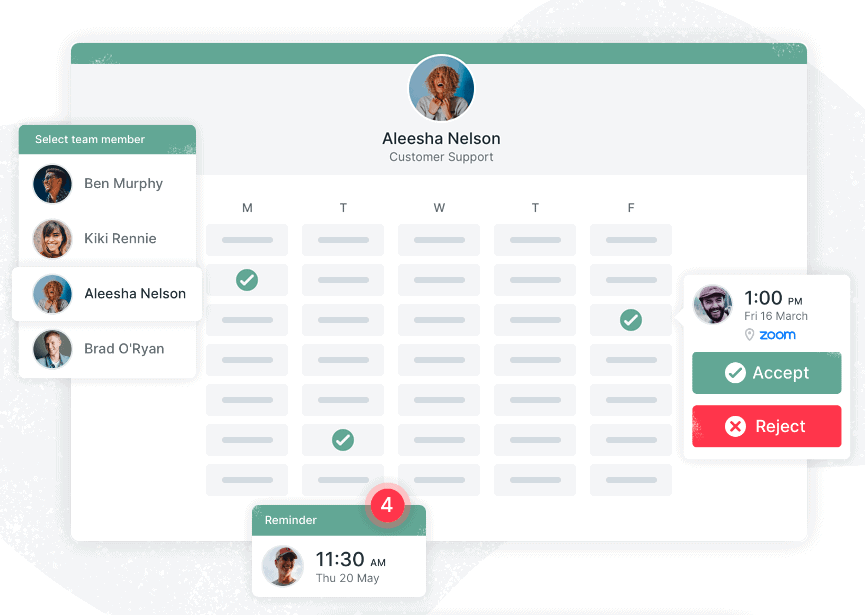
YouCanBook.me is a scalable scheduling tool for teams of any size. The provider puts a great emphasis on security and uses enterprise-level encryption.
Key Features
- Flexible availability scheduling.
- Time zones are automatically detected.
- Confirmations and reminders via email and SMS.
- Automated follow-up emails.
- Personalized branded booking pages.
- Team availability options.
- Canceling and rescheduling options.
Available Integrations
- Google Calendar
- Microsoft Calendar
- Zoom
- Google Meets
- MS Teams
- Zapier
- Gmail
- Stripe
Pricing
You can use the Free plan with basic functionality and scheduling features. If you’d like to unlock all the great automation features, you must pay $12 per month. You can save 10% with an annual plan or 20% with a 2-year subscription. There is a 14-day free trial for the paid plan.
Appointlet
Platforms: Web, including browser extensions for Chrome and Firefox.
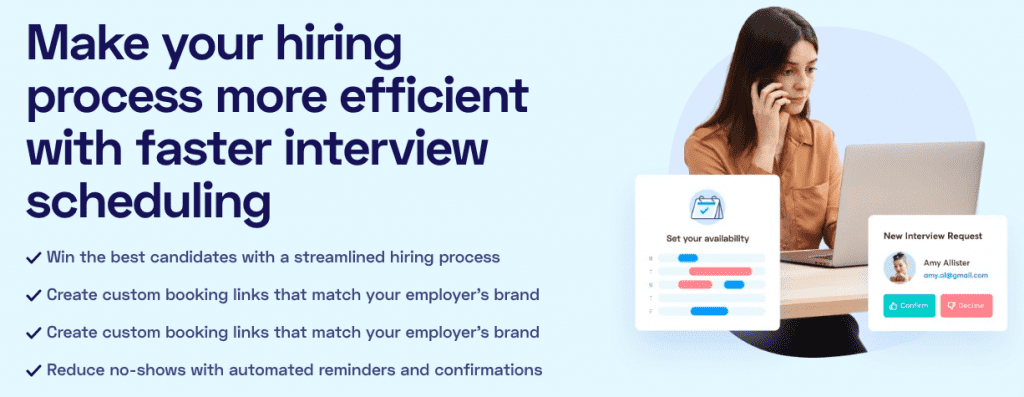
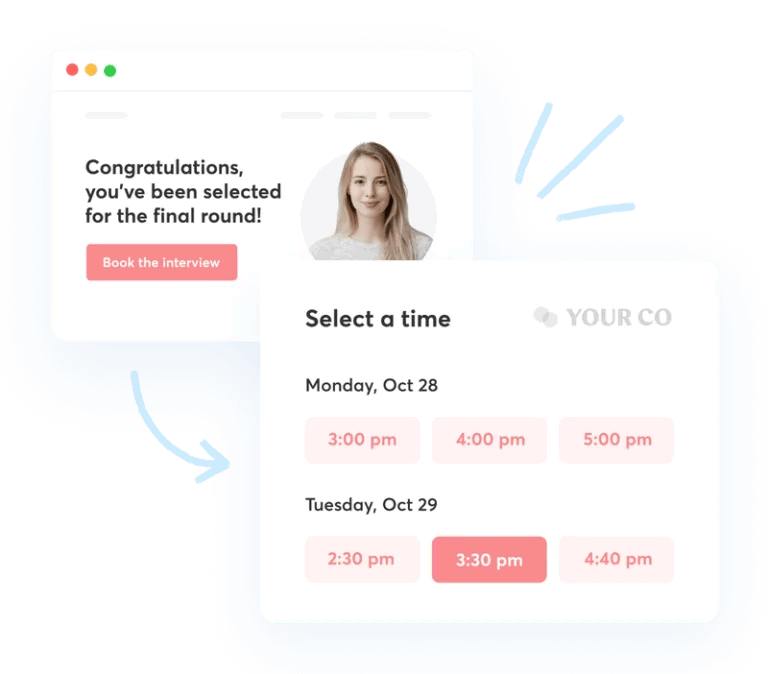
Appointlet flexibly adjusts to your working style. You can prevent last-minute bookings, manually approve events, schedule breaks, etc. The booking forms are fully customizable to match your employer’s brand.
Key Features
- Fully customizable interview booking forms.
- Automated reminders and confirmations.
- Schedule breaks between interviews.
- You can approve bookings both manually and automatically.
- Set a minimum required notice period to prevent last-minute bookings.
- Automated calendar events for recruiters and candidates.
- Rescheduling options for both parties.
- Automated meeting instructions after a candidate books a time.
- Sync candidate’s data with your HR CRM through Zapier.
Available Integrations
- Google Calendar
- Office 365
- Zoom
- Microsoft Teams
- Google Meet
- Join.Me
- Zapier
- and more.
Pricing
The free plan is impressive: you can create unlimited meetings, customize forms, connect video conference services and calendars, cancel and reschedule appointments, adapt to time zones, and invite unlimited team members. However, for $10 per month (or $8/mo if you pay for a year), you get advanced features like automated reminders, pool availability for teams, integrations with Zapier, and more.
ScheduleOnce
Platforms: Web.
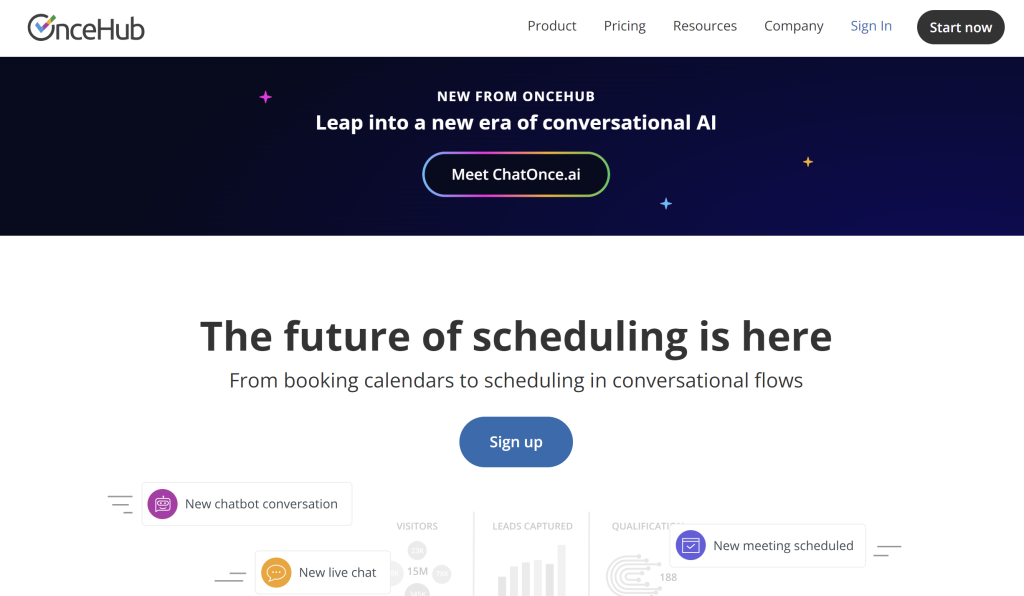
ScheduleOnce is a universal tool for business schedules. Its free plan has a lot to offer, even for teams of up to three people. ScheduleOnce supports other Once products: ChatOnce, FormOnce, and SubmitOnce.
Key Features
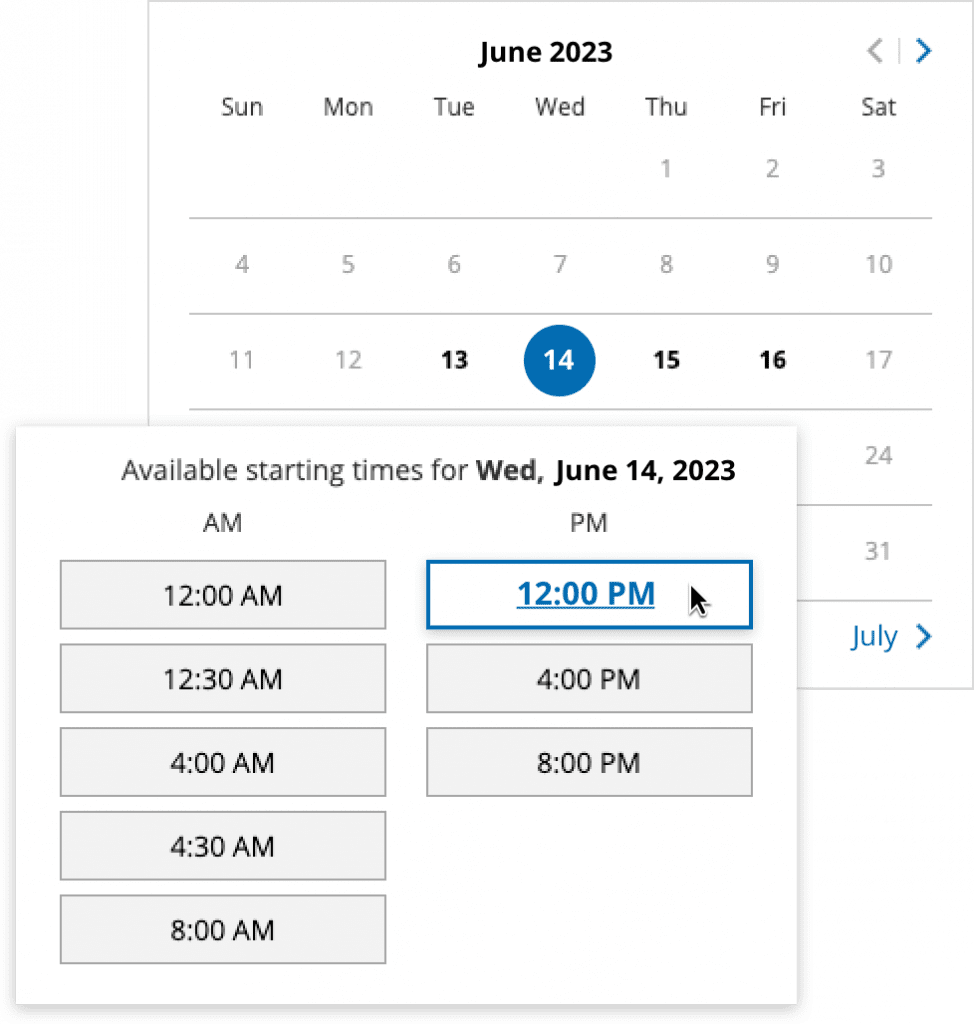
- Different meeting scenarios: one-on-one, group sessions (for group interviews), and panel meetings (for panel interviews).
- Book meeting rooms for on-site interviews.
- Send booking links or create booking pages.
- Set daily and weekly limits for the number of interviews.
- Set automated gaps between meetings.
- Send notifications and reminders (email and SMS).
- Allow cancellation and rescheduling.
Available Integrations
- Zoom
- Microsoft Teams
- Google Meet
- GoToMeeting
- Webex
- Google Workspace
- Office 365
- iCloud Calendar
- Exchange
- Outlook
- Zapier
- and more.
Pricing
For single-user teams, a free plan is available. For unlimited booking links and meetings, all meeting types including panels, customizable email, and text notifications, etc., try the Schedule package for $12 per month (or $120 per year). For more advanced features, other packages are available ($23 and $47 per month).
Doodle
Platforms: Web.
Doodle is a scheduling tool for any professional scheduling type. You can use it not only for recruitment purposes but also for board meetings, education, team meetings, etc.
Key features
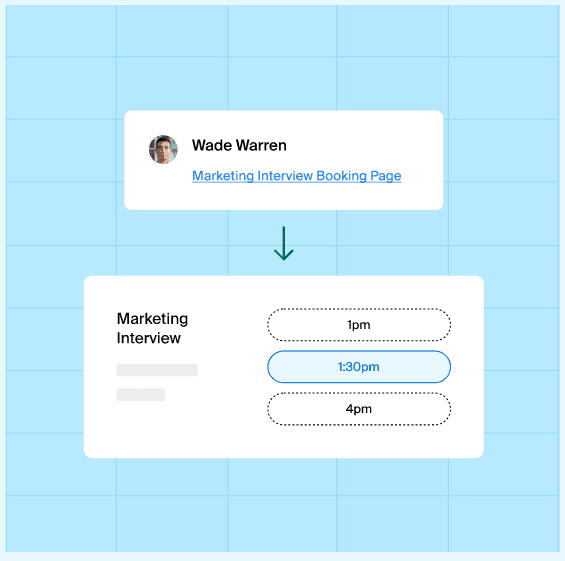
- Schedule interviews with candidates with 1:1 or Booking pages. You can propose several time options or let candidates book on your free schedule.
- Organize panel interviews with Connected Calendars. Doodle will generate time suggestions based on everyone’s availability.
- Set up automatic reminders for interviews.
- Add your branding.
Available integrations:
- Zoom
- Google Meet
- Google Calendar
- Outlook Add-In
- Microsoft Office 365
- Microsoft Teams
- Microsoft Exchange
- Zapier
Pricing
Free plan includes Unlimited Group Polls, Unlimited Sign-up Sheets, One Booking Page, One 1:1, Google Meet, and Zoom web conferencing. For advanced features, you can choose between Pro and Team plans. The Pro plan is the best solution for individuals, with $6.95 per month. Teams (up to 5 users) should choose the Team plan ($8.95 monthly).
Explore other versatile interview scheduling tools
Here are two more tools that you can try:
- TimeTap. This tool is designed for businesses and organizations with complex appointment scheduling needs. It is highly customizable and scalable.
- Picktime. This is an appointment scheduling software with payments, invoicing, sales, reporting, and customer & team management.
- SetTime. This is a free, all-in-one appointment scheduling tool for professionals designed for solo specialists and teams across any industry. It offers 24/7 online booking through shareable links and website widgets, automated reminders via email, SMS, and WhatsApp, staff and client management tools, and integration with popular calendars.
- Cronofy. Primarily this tool will be helpful for enterprises who want to integrate scheduling options into their products. However, particular specialists can use the cloud-based version for their needs.
- Microsoft Bookings. This app is available for Microsoft 365 users. It enables you to customize appointment details and booking requirements and specify service providers to streamline the booking experience.
Recruitment Platforms with Interview Scheduling Options
We included only tools created for appointment scheduling. However, various recruitment automation platforms have scheduling features inside. They are:
Wrapping Up: What Interview Scheduling Tool to Choose?
There are several options depending on your priorities, objectives, and resources. A good scheduling tool will save you time and effort and provide a consistent candidate experience.
If you work with multiple candidates at scale and want to simplify the interview scheduling process, the best option will be to choose from tools tailored to specific recruiters’ needs. They are FreeBusy, GoodTime Hire, Rooster, and Rakuna.
Also, you can adjust regular business scheduling tools, such as Calendly, ScheduleOnce, or GoodTime Meet, to your workflow. Anyway, your scheduling process will be much more time-efficient.
If you plan to opt-in for the recruitment automation platform, consider choosing one with the built-in interview scheduling tools. In this case, you won’t need to search for additional staff.
Also, consider connecting your interview scheduler with other recruiting tools you use to automate routine and have more time for creative tasks, such as finding new talents and building relationships with candidates.
Make your choice and stay effective!